

An explanation after every answer
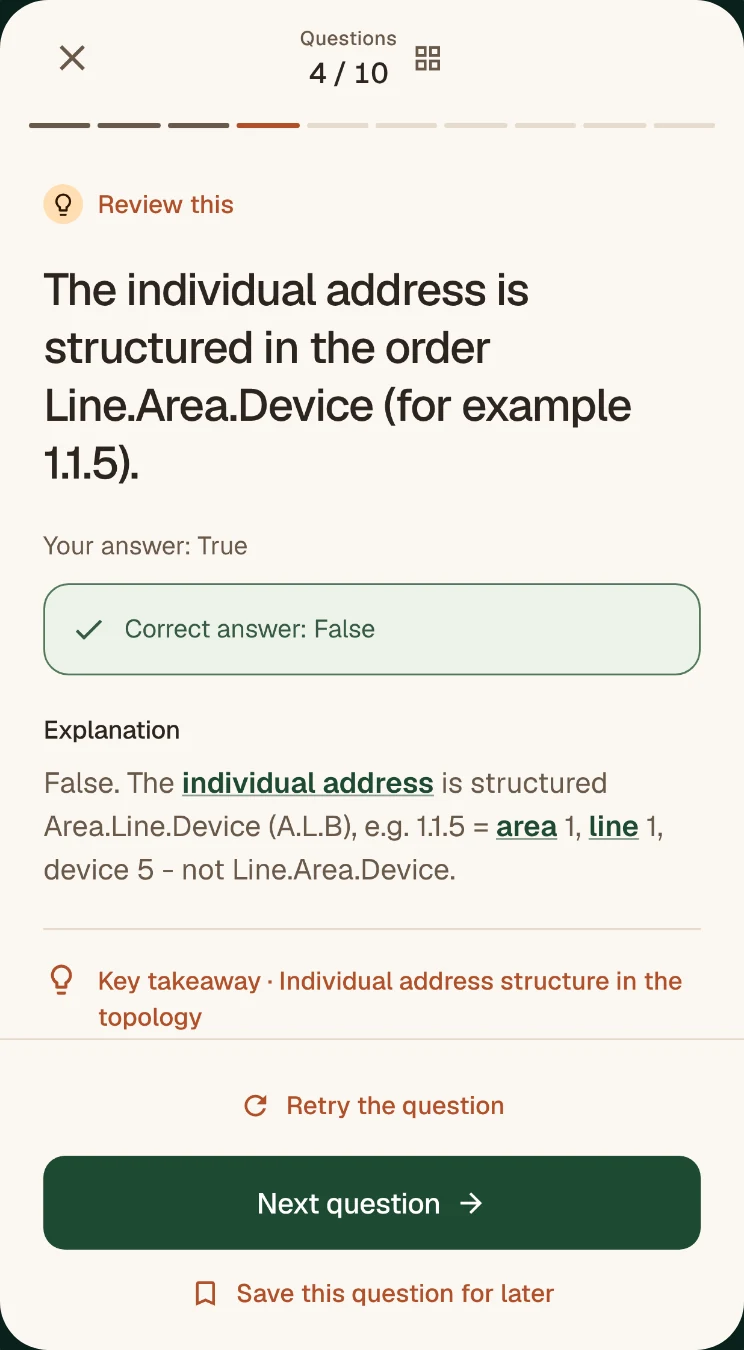
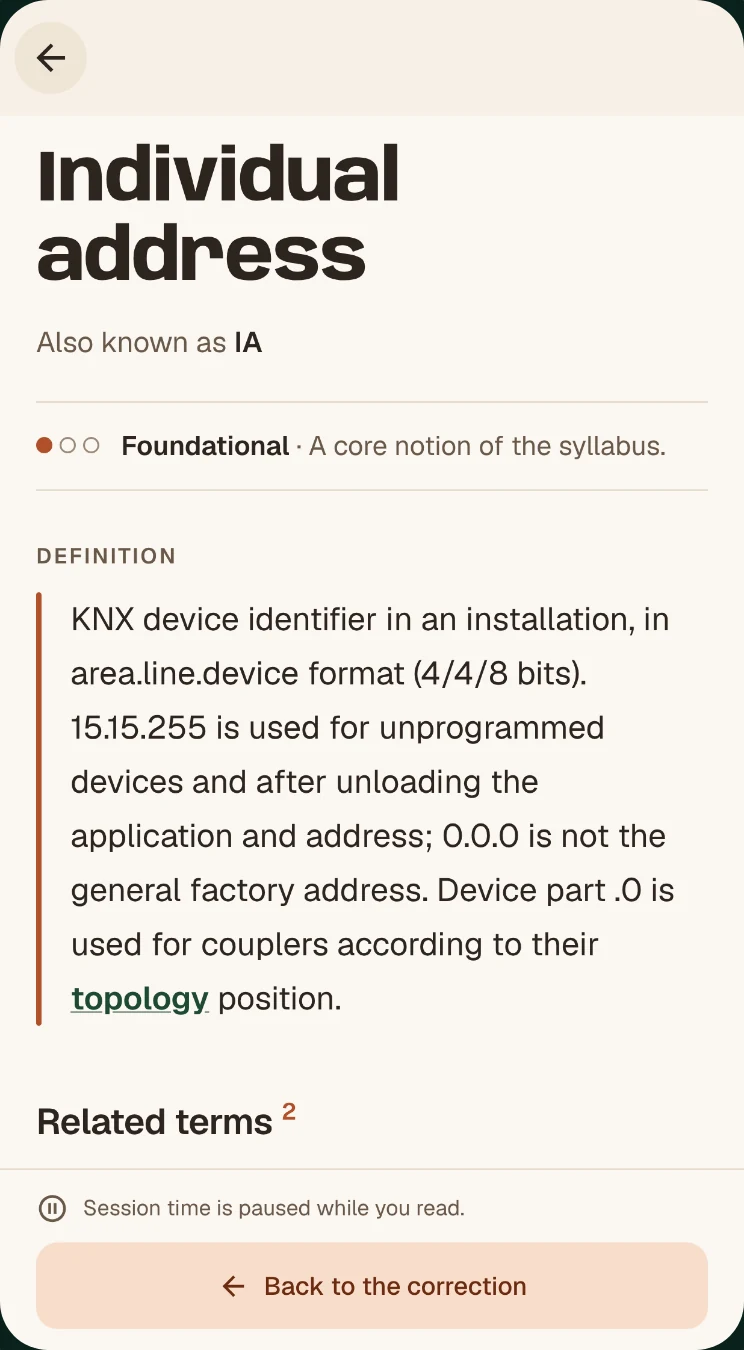
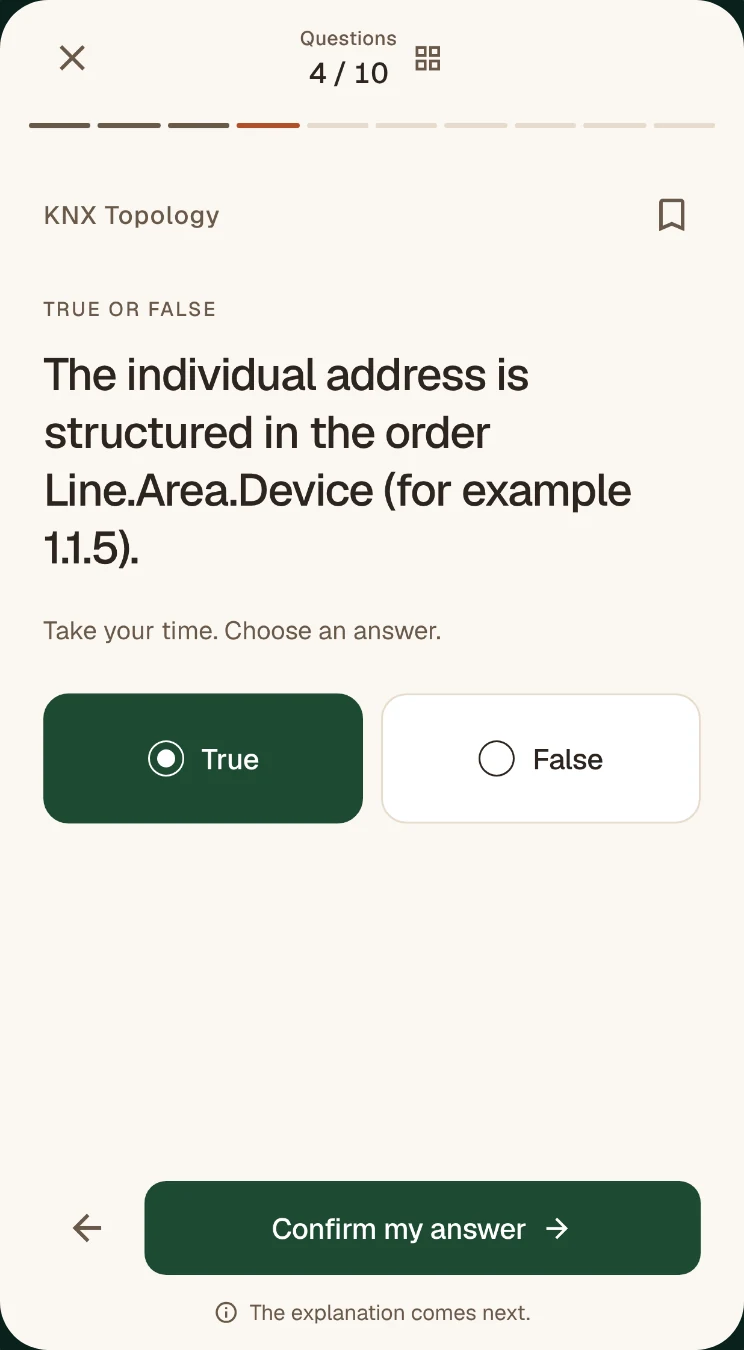
True/false or one correct answer: confirm your answer and the correction appears right away, with its explanation. Tap an underlined term to read its definition, then go back to the question.
New · Available on Google Play
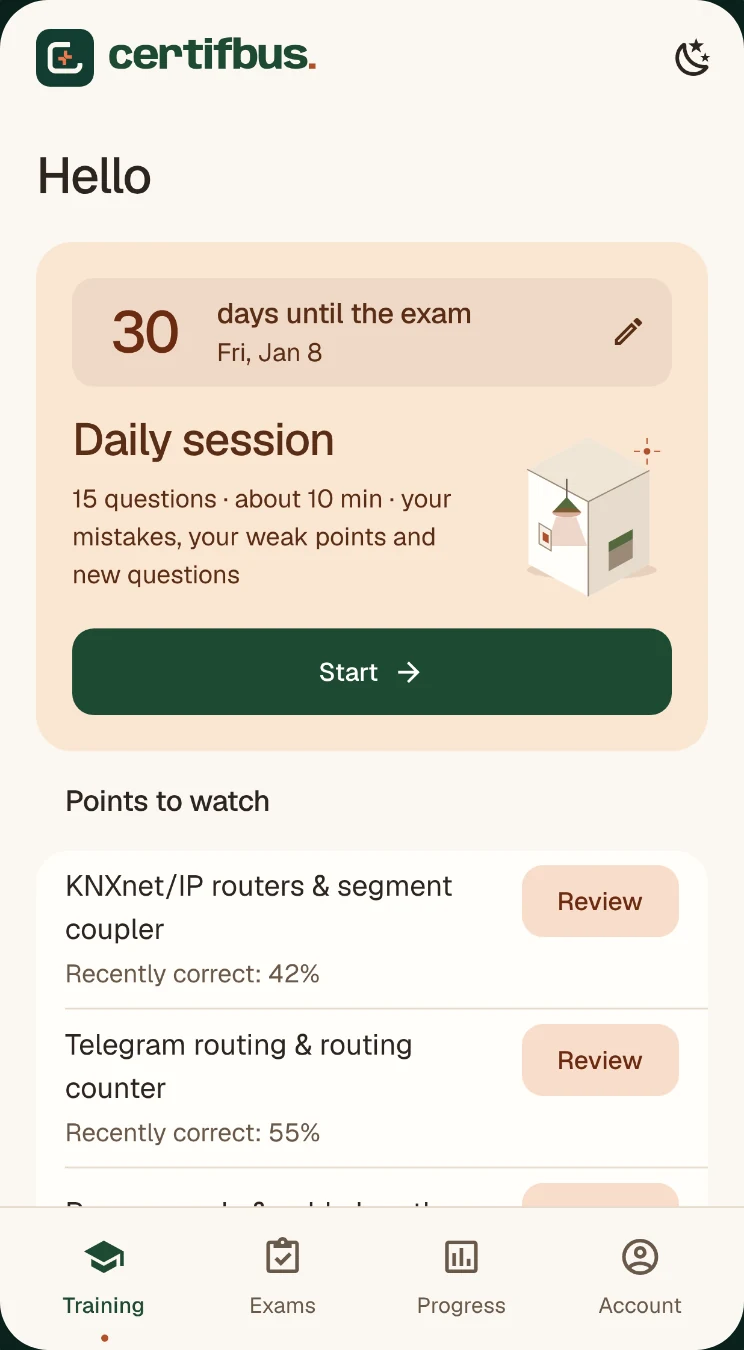
10 minutes a day on your phone: a daily session, an explanation after every answer, flashcards and timed mock exams. Free to start, no account needed.
Free · No account needed to start · English, French, German
In the app
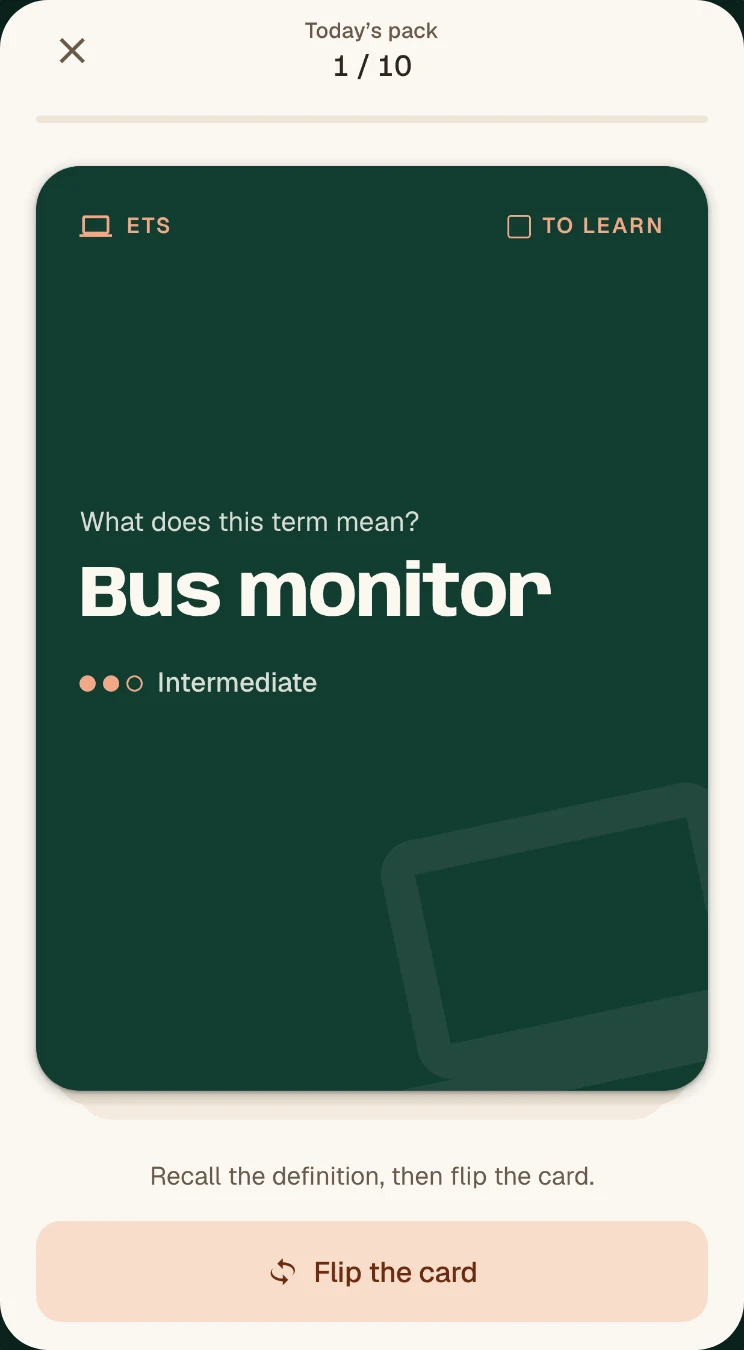
A daily session of about 10 minutes, and more when you want it: explained corrections, flashcards, mock exams and a glossary.
True/false or one correct answer: confirm your answer and the correction appears right away, with its explanation. Tap an underlined term to read its definition, then go back to the question.
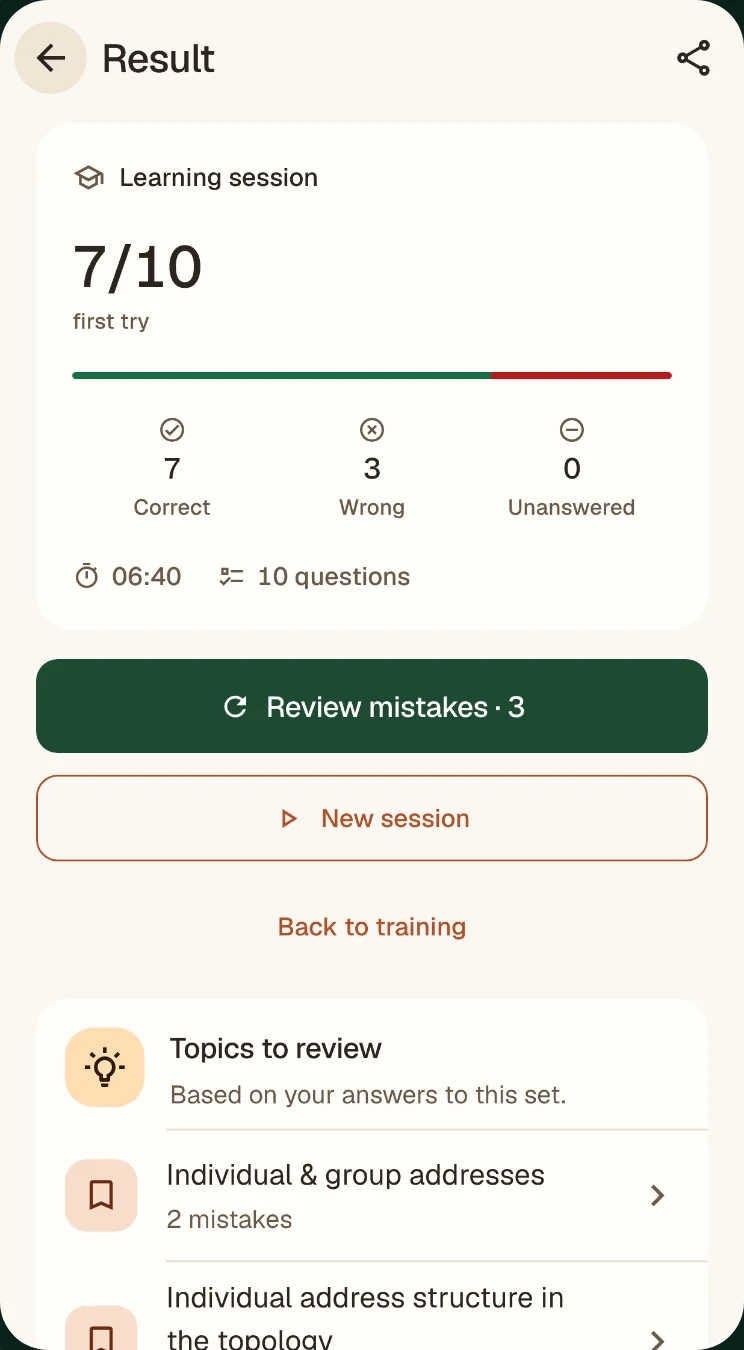
At the end of every session: your correct, wrong and unanswered questions, then the topics to work on, mistakes first.
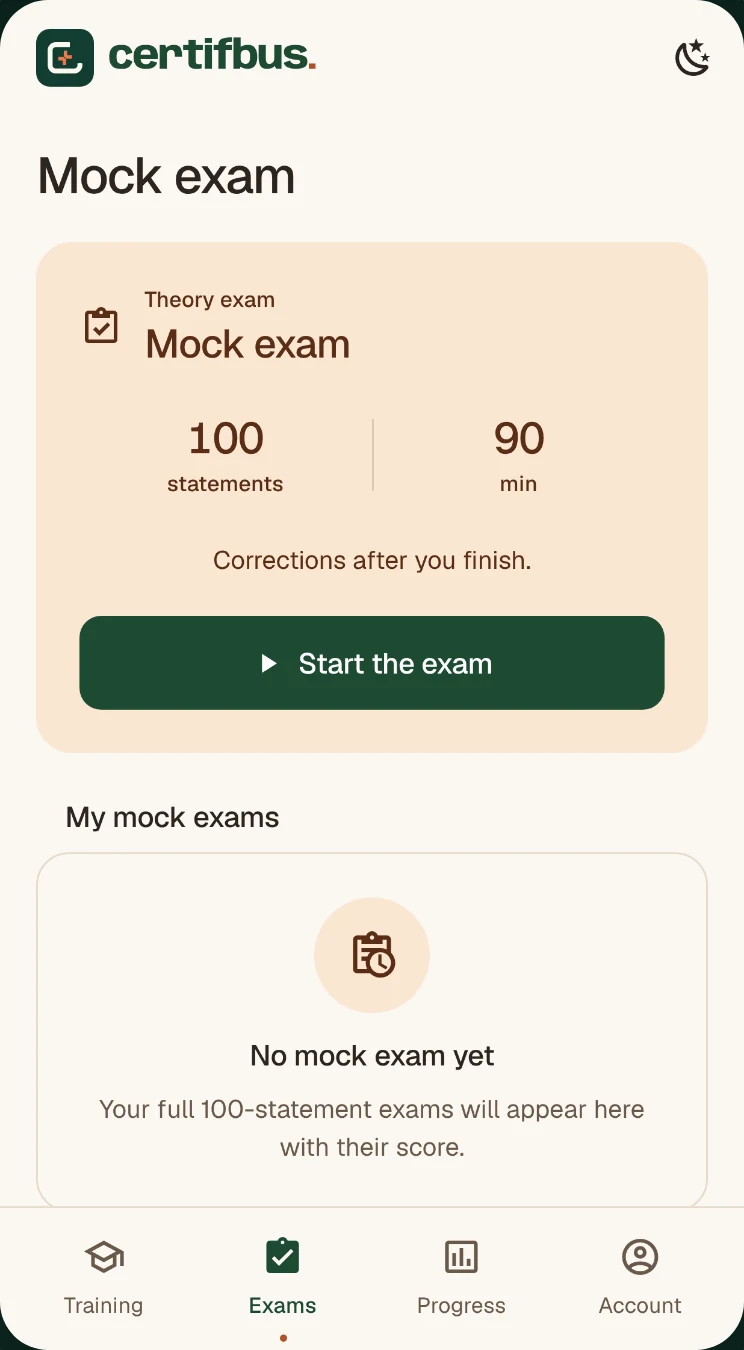
100 true/false statements in 90 minutes, scored +1 / −0.5 / 0, with a breakdown by topic and the corrections at the end. The 10-statement preview is free; the full mock exam is part of full access.
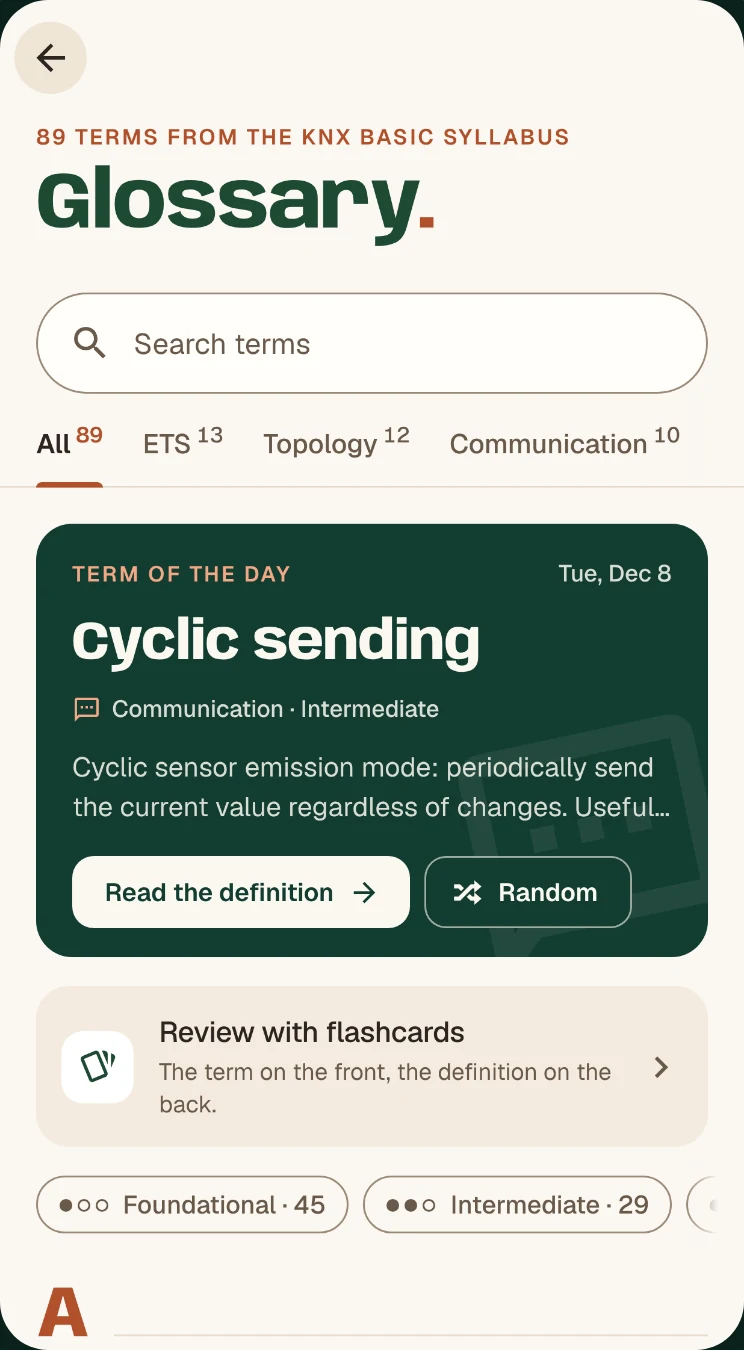
Search, categories and levels. The glossary needs no account, and no network once it has loaded.
Free or full access
Free version
No ads during a question or an exam.
Full access
In the app, full access is bought for 90 days at the price shown by Google Play.

The website works on computers, tablets and phones; the app comes on top of it on Android. Sign in with the same email address: your progress follows you from one device to the next, and full access bought on CertifBus is recognised in the app.
iPhone and iPad
The iPhone version is in the works, and it will take longer than the Android version. Until then, add CertifBus to your Home Screen: the website opens full screen, like an app, with the same account and the same progress.
Start right now in the browserThe day the iPhone app is released, you sign in to it with the same account.
01
Open certifbus.com in Safari
From this page or from the home page of the website.
02
Tap Share
It is the square with an arrow pointing up. If you cannot see it, open the “···” menu first.
03
Choose “Add to Home Screen”
Then tap “Add”. The CertifBus icon joins your other apps.
The explained questions, mock exams and progress tracking are those of the website. Flashcards, the offline glossary and the widget are only in the Android app for now.
Yes. You install it for free and start without an account: one set of 10 questions a day, the timed exam preview, the glossary and the flashcards. The free version shows ads, never during a question or an exam. Full access is an optional purchase.
No. Sign in to the app with the email address of your CertifBus account: your full access and your progress are recognised there. It works the other way round too: access bought in the app is valid on the website.
It is in the works and we are not announcing a date: it will take longer than the Android version. Until then, the web app installs on your iPhone’s Home Screen from Safari and gives you the questions, the mock exams and your progress.
Not to get started. An account, created with your email address (6-digit code or link, no password), lets you keep your progress on all your devices and buy full access.
Partly. The glossary and the flashcards are available offline once loaded. Question sessions and mock exams need a connection.
No. It is an independent app, not affiliated with or endorsed by KNX Association. The questions are original practice exercises written for training, not the official exam questions. Practice results do not guarantee that you will pass, and the official exam also includes a practical assessment.
Google Play and the Google Play logo are trademarks of Google LLC. Apple, iPhone, iPad and Safari are trademarks of Apple Inc.